
𝗟𝗮𝗻𝗱𝘀𝗰𝗮𝗽𝗲 𝗘𝗹𝗶𝘁𝗶𝘀𝘁𝘀 𝘃𝘀. 𝗣𝗼𝗿𝘁𝗿𝗮𝗶𝘁 𝗡𝗼𝗼𝗯𝘀: 𝗪𝗵𝗶𝗰𝗵 𝗦𝗶𝗱𝗲 𝗔𝗿𝗲 𝗬𝗼𝘂 𝗢𝗻?

𝘍𝘶𝘵𝘶𝘳𝘦-𝘗𝘳𝘰𝘰𝘧𝘪𝘯𝘨 𝘠𝘰𝘶𝘳 𝘍𝘰𝘰𝘵𝘢𝘨𝘦 𝘧𝘰𝘳 𝘌𝘷𝘦𝘳𝘺 𝘗𝘭𝘢𝘵𝘧𝘰𝘳𝘮, 𝘧𝘳𝘰𝘮 𝘖𝘖𝘏 𝘵𝘰 𝘛𝘪𝘬𝘛𝘰𝘬
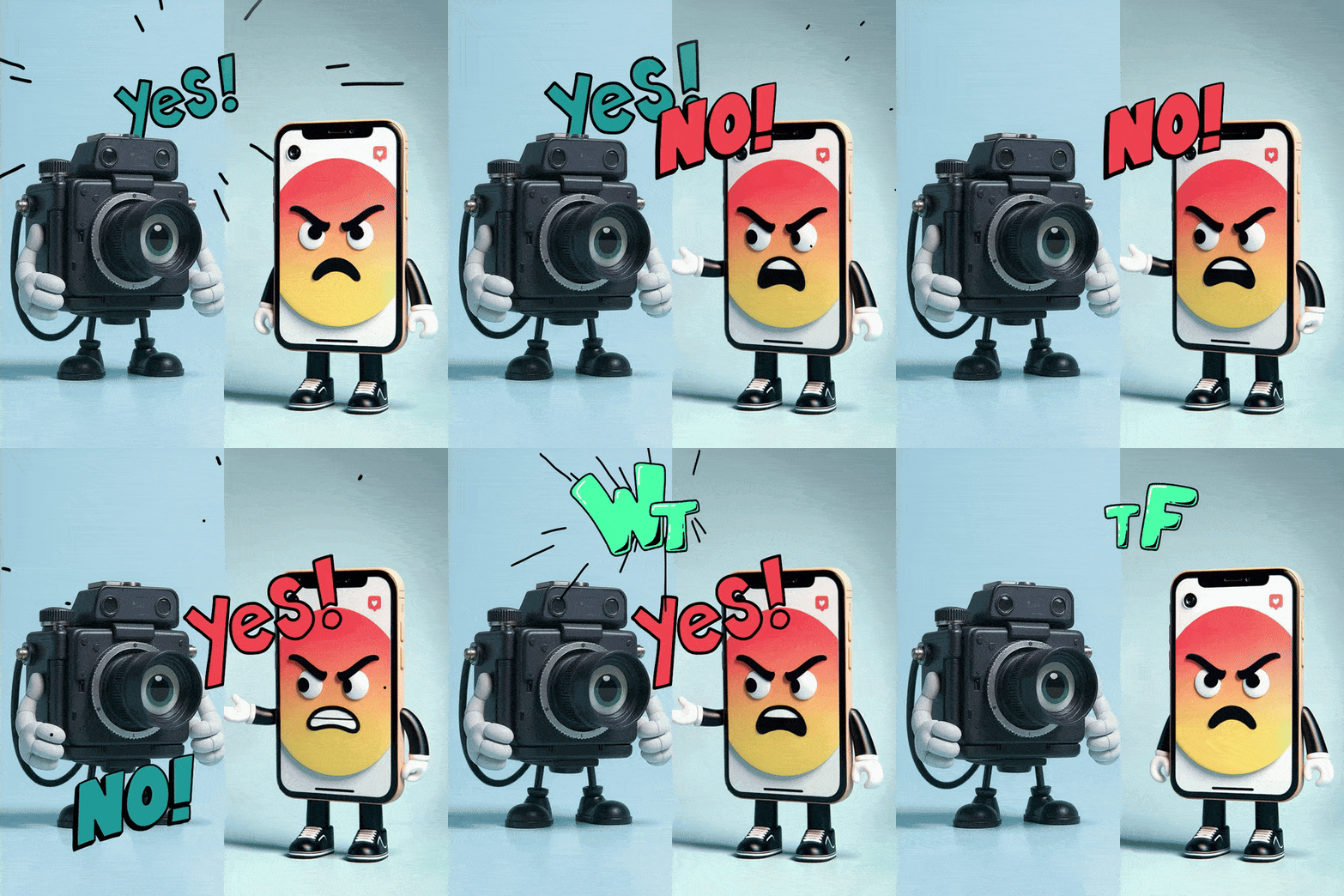
I’ve been crafting videos for big screens (OOH, events...not cinema) and social platforms for years. The debate? Landscape vs. portrait.
• Pros shoot landscape with fancy cameras.
• Non-pros film portrait on smartphones, forgetting to rotate. 😂
The real issue is platform ratios: 16:9 for YouTube, 1:1 for Instagram, 9:16 for TikTok. How do you future-proof footage for all?
𝗢𝗽𝘁𝗶𝗼𝗻 𝟭: 𝗖𝗵𝗲𝗮𝘁 𝘄𝗶𝘁𝗵 𝗔𝗜
Didn’t plan ahead? Or you're stuck with old footage in the wrong ratio? AI video extension tools can stretch your content to fit. My top three for extending live-action footage?
• Runway Gen-3: Excels at generating realistic extensions with minimal artifacts, great for complex scenes.
• Adobe Firefly (Video): Seamless integration with Premiere Pro, ideal for quick fixes but less creative control.
• Luma AI: Strong for dynamic scenes, though it can struggle with fine details.
Downside? You might lose some authenticity, as AI-generated edges can feel “deep fake” to eagle-eyed viewers.
𝗢𝗽𝘁𝗶𝗼𝗻 𝟮: 𝗦𝗹𝗮𝗽𝗱𝗮𝘀𝗵 𝗗𝘂𝗮𝗹 𝗥𝗲𝗰𝗼𝗿𝗱𝗶𝗻𝗴
I’ve seen videographers rig a portrait-oriented smartphone to their landscape DSLR using a cheese plate or cage for dual recording. It works, but it screams afterthought. It’s clunky, doubles your gear, splits focus, and syncing footage in post is a headache. Why complicate life when smarter options exist?
𝗢𝗽𝘁𝗶𝗼𝗻 𝟯: 𝗙𝘂𝘁𝘂𝗿𝗲-𝗣𝗿𝗼𝗼𝗳 𝘄𝗶𝘁𝗵 𝟰:𝟯 𝗙𝘂𝗹𝗹 𝗙𝗿𝗮𝗺𝗲
Here’s the pro move: shoot in 4:3, the “old-school” pre-HD PAL ratio. It’s like a Swiss Army knife for video—crop it to 16:9, 1:1, or 9:16 without losing quality. You’ll need to frame compositions with extra space around subjects (custom guide overlays in apps help). The catch? Not all devices support 4:3 at high res.
The Sony FX3 nails it, but iPhones need workarounds. There’s a quirky hack on iPhone: switch to photo mode, select 4:3, then hold down the shutter button to record video (yep, the whole time!). For a less absurd solution, use apps like 𝗣𝗲𝗮𝗿𝗹𝗮, Blackmagic Design 𝗖𝗮𝗺𝗲𝗿𝗮, 𝗠𝗮𝘃𝗶𝘀 𝗣𝗿𝗼, or 𝗙𝗶𝗟𝗠𝗶𝗖 𝗣𝗿𝗼.
Android users have it easier—devices like the Samsung Electronics 𝗚𝗮𝗹𝗮𝘅𝘆 𝗦𝟮𝟱 𝗨𝗹𝘁𝗿𝗮, Sony 𝗫𝗽𝗲𝗿𝗶𝗮 𝟭 𝗩𝗜𝗜, Google 𝗣𝗶𝘅𝗲𝗹 𝟵 𝗣𝗿𝗼 𝗫𝗟, and 𝗫𝗶𝗮𝗼𝗺𝗶 𝟭𝟱 𝗨𝗹𝘁𝗿𝗮 handle 4K or even 8K-equivalent 4:3 natively or via apps like Motion Cam Pro.
𝗖𝗼𝗻𝗰𝗹𝘂𝘀𝗶𝗼𝗻
4:3 full frame is the ultimate hack for versatile video. Plan framing, pick the right gear or app, and skip AI fixes or rig hassles. What’s your multi-platform video trick? Share below! 👇
hashtag#Videography hashtag#ContentCreation hashtag#SmartphoneFilmmaking hashtag#VideoProduction hashtag#FutureProofing hashtag#FilmmakingTips hashtag#SocialMediaContent hashtag#TechTrends


Comments